
Your cameras,
one click away.
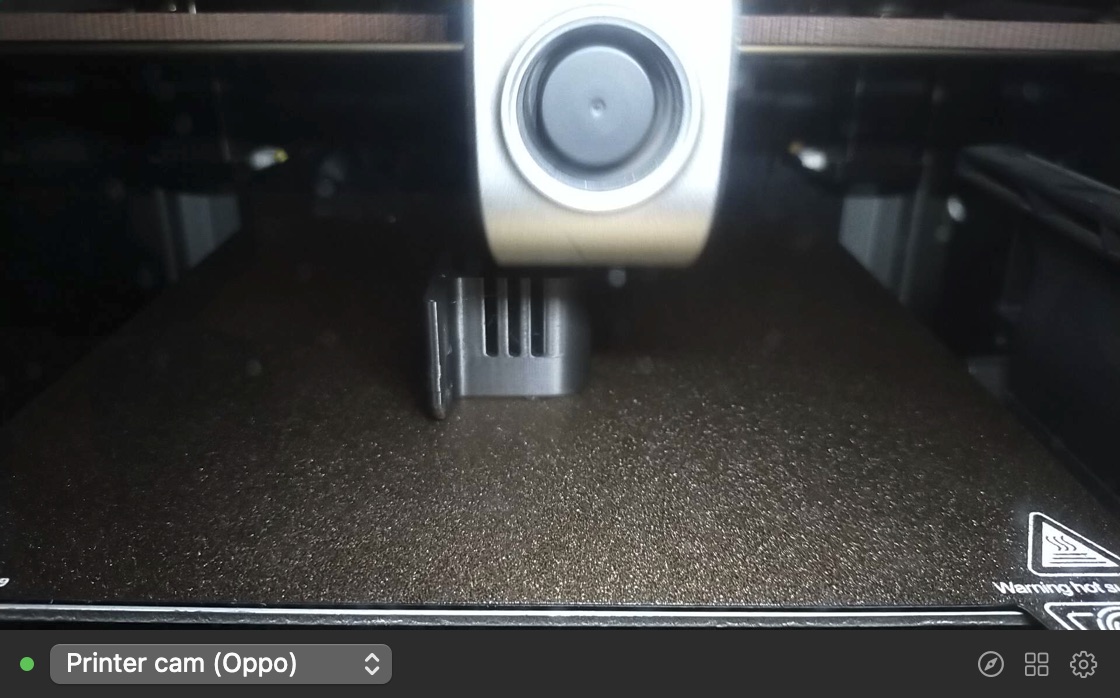
Dikiz lives in your Mac’s menu bar. Click it to check the 3D print, the front door or your own face before a call. Click anywhere else and it’s gone.
7 days free, everything included · One-time purchase · macOS 14 or later
Works with the cameras you already have
No new hardware, no cloud account. Dikiz talks straight to each camera on your network.
3D printers
Fluidd, Mainsail, OctoPrint and Creality webcams. Watch the first layer without walking over.
Home Assistant
Pick any camera entity, Xiaomi, Tapo, Reolink and more. Smooth live video over HLS.
IP cameras
MJPEG, HLS and RTSP streams, with a user name and password or a token.
iPhone
Continuity Camera turns your iPhone into a camera Dikiz can show.
Mac and USB webcams
A mirror for a quick look before you join a call.
Snapshot URLs
Any address that returns a still image, refreshed every few seconds.
Set up in a minute
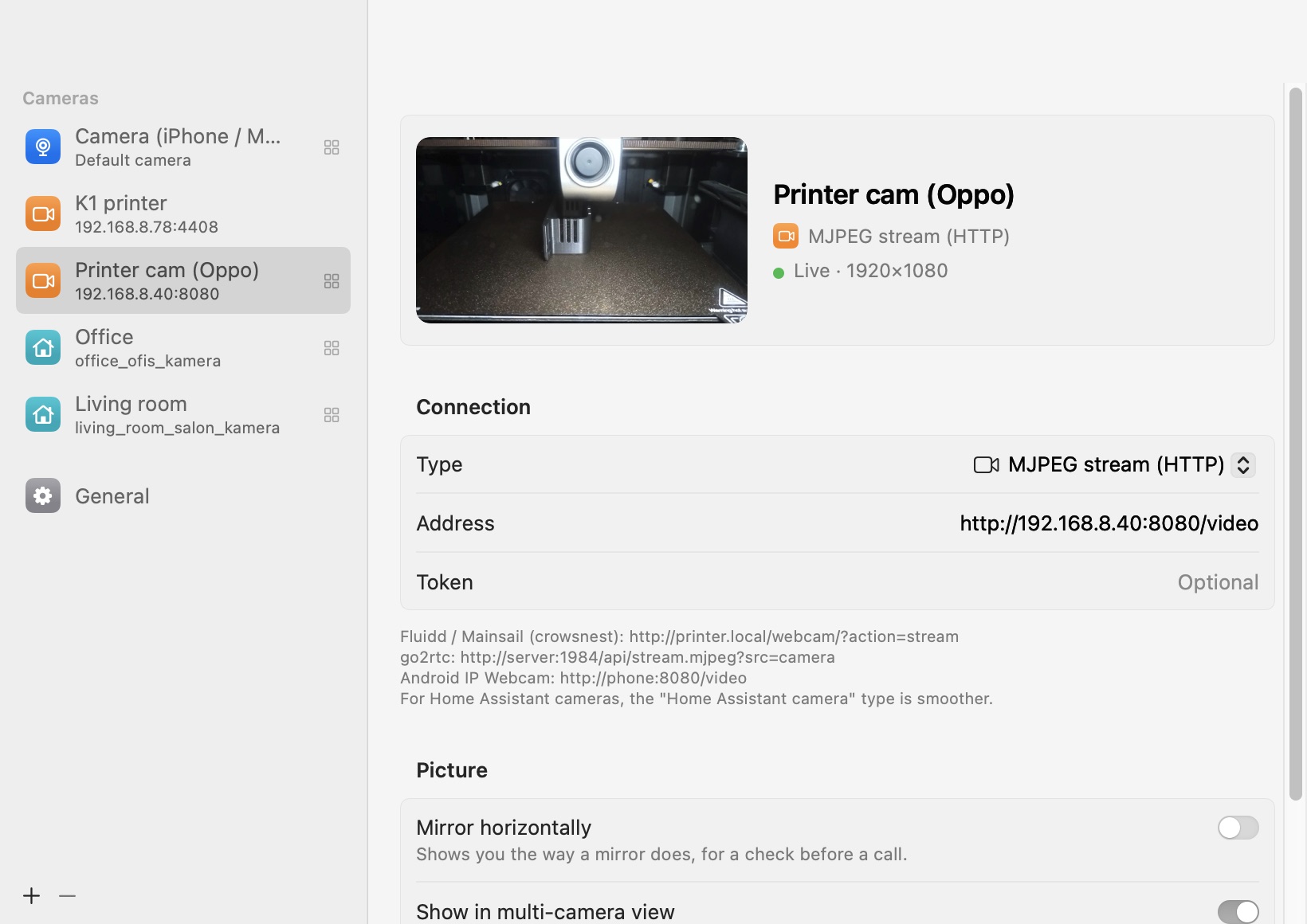
Paste the camera’s address, see it live right away. Home Assistant cameras come from a list, so there’s no address to look up.
- See up to nine cameras at once in the grid view
- Open any camera large in Safari with one click
- Reconnects by itself when a camera drops off the network
- Tokens and passwords stay in your Mac’s Keychain
- LightA native Mac app. Streams run only while the window is open.
- PrivateNothing is recorded or uploaded. No account, no analytics in the app.
- QuickClick the icon to look, click away to close. Right-click to switch cameras.
- YoursPay once. No subscription.
One price, no subscription
Try every feature free for 7 days. Buy when it has earned a place in your menu bar.
- Use it on up to 3 of your Macs
- All 1.x updates included
- Apple silicon and Intel
- Full refund within 14 days
Checkout and taxes handled by Polar. Your license key arrives by email.
Questions
Does Dikiz record anything?
No. It shows live pictures only, and only while its window is open. Nothing is saved or sent anywhere except between your Mac and your camera.
Which address do I use for my printer?
For Fluidd or Mainsail it is usually http://printer.local/webcam/?action=stream. The settings window lists examples for each camera type.
How do I add a Home Assistant camera?
Choose the Home Assistant type, enter your Home Assistant address and a long-lived access token (Profile › Security in Home Assistant), then pick the camera from the list.
What about RTSP cameras?
RTSP streams are played through ffmpeg. Install it once with brew install ffmpeg and Dikiz finds it.
What happens after the trial?
The window asks for a license key. Your cameras and settings stay as they are, so everything works again as soon as you enter the key.
I bought a new Mac. Can I move my license?
Yes. Each key works on 3 Macs at a time. To free a Mac, open Settings › General › Deactivate on This Mac, or write to support.